
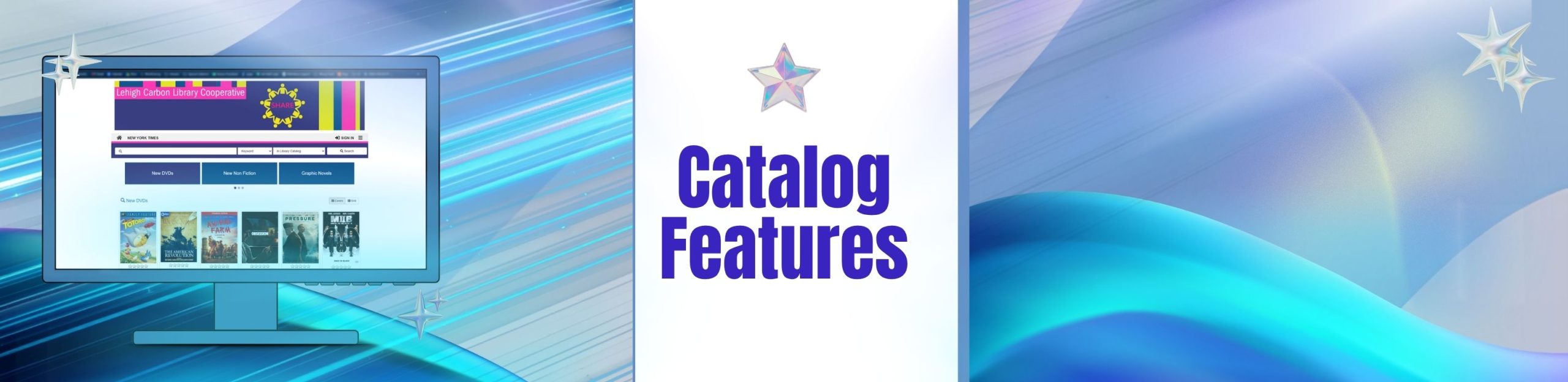
Catalog Features
Welcome to Aspen
We are excited to introduce an improved Aspen library experience. Explore our updated catalog with new features! Enjoy faster searches and see all available formats in your results. Titles are now grouped by format, including audiobooks, large print, Playaways, and more.
Aspen has upgraded the rating system for a straightforward, user-friendly experience. Aspen also offers personalized recommendations based on your borrowing history and handy sharing tools.
Users can write reviews, view ratings, and see what others think before placing a hold. You can also search, create, organize, and share your book lists, and find lists curated by librarians.
Get Your Account History
Deadline: December 1, 2026
To preserve your account reading history, please log in by December 1, 2026. After this date, the library may no longer have access to your history. We appreciate your understanding.
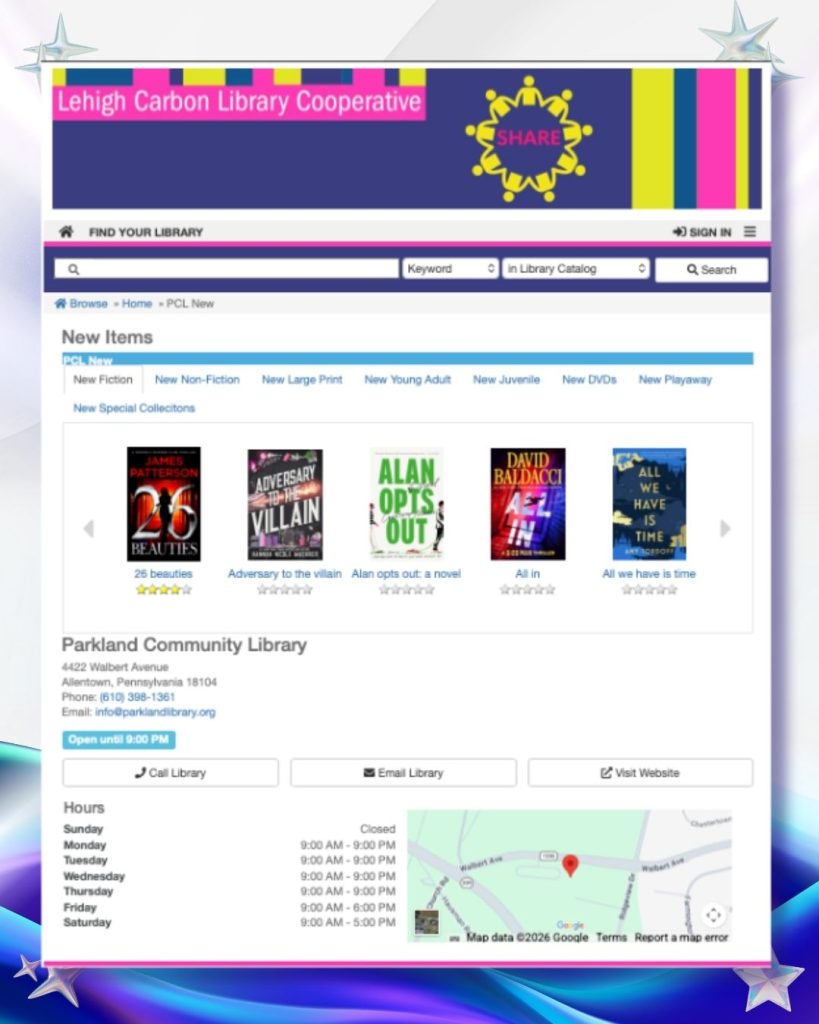
How to log in to Aspen
User Name: (Enter your Library Card number)
Password: (Your 4-digit PIN, the last 4 digits of your phone number)
Signing in unlocks saved lists, holds, renewals, and personalized suggestions, all of which are live in your account.
Browse by category, or search the catalog directly.
Explore curated categories and scan cover images to discover titles and authors without knowing exactly what you’re after.
Catalog Search
When you know what you want, type a term, pick the search type and collection, and run it. Search puts you in control of exactly what’s matched.
Advanced Search lives in the drop-down.
The Advanced Search option is found in the search-method drop-down list, where you can build more precise queries.
SPARK Library Discovery (Aspen Catalog)
Our catalog update comes with a convenient app! Search for “Spark Library Discovery.” Please note: The app will not work until you first sign in to https://carbonlehigh.discovery.sparkpa.org/
About this app
Download the SPARK Library Discovery app to search the shared library catalog of the SPARK libraries in Pennsylvania, including the Indian Valley Public Library. Search books, place holds, renew loans, and access ebooks and eaudio.
To use this app, you need a library card at a participating member library.
Questions?
Stop by the reference desk or email info@parklandlibrary.org for more information about the library’s catalog!

October News
2026 It is time for spooky season! Be sure to visit and explore our collection of spooky tales and eerie stories this season. Whether you want a terrifying read or a spectral adventure, we have options for every fan of the macabre. Join us at the Parkland Community Library this fall for all the fun…
The Local Fold
A PCL Communizine: CALL FOR SUBMISSIONS What is Parkland making? Parkland Community Library is creating a community zine filled with art, writing, photography, and creative work made by the people who live here. For our first issue, we’re inviting Parkland residents to submit original work by November 30, 2026, for a chance to be included…

September News
2026 A library card hits all the right notes! Find your rhythm this September for National Library Card Sign-Up Month. Now is a great time to sign up for a new card, renew an old one, or start using the one already in your wallet. Whether you want to curl up in a cozy corner…